


Choose when reminders begin
With a two-hour goal and a 75% threshold, the reminder appears after 1 hour 30 minutes of unlocked screen time. You can adjust both the threshold and the intensity.
Stop Swarm
Android 10 and later
Set a daily goal. As your unlocked screen time approaches it, a visual reminder appears over your apps and becomes more noticeable.
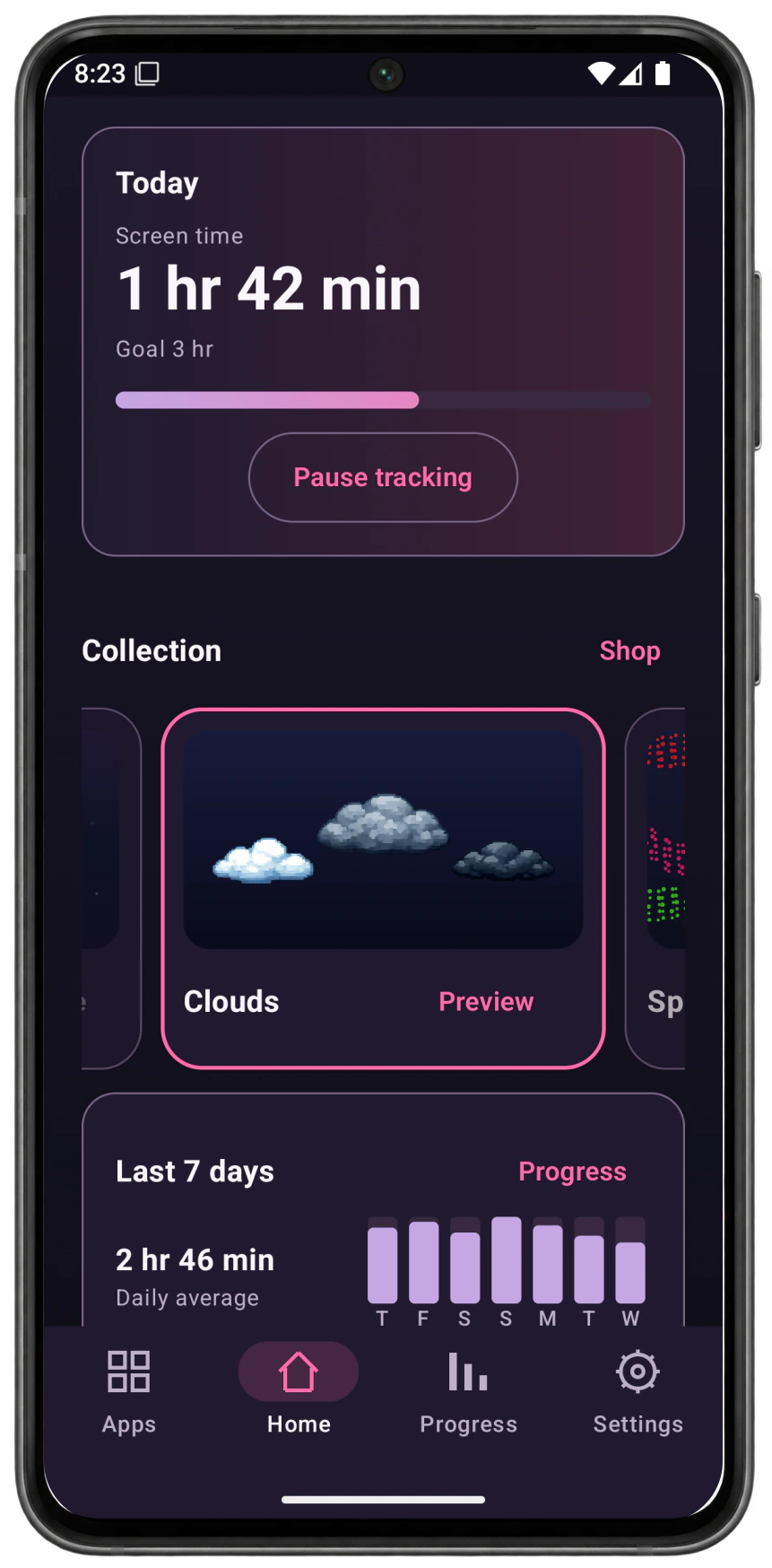
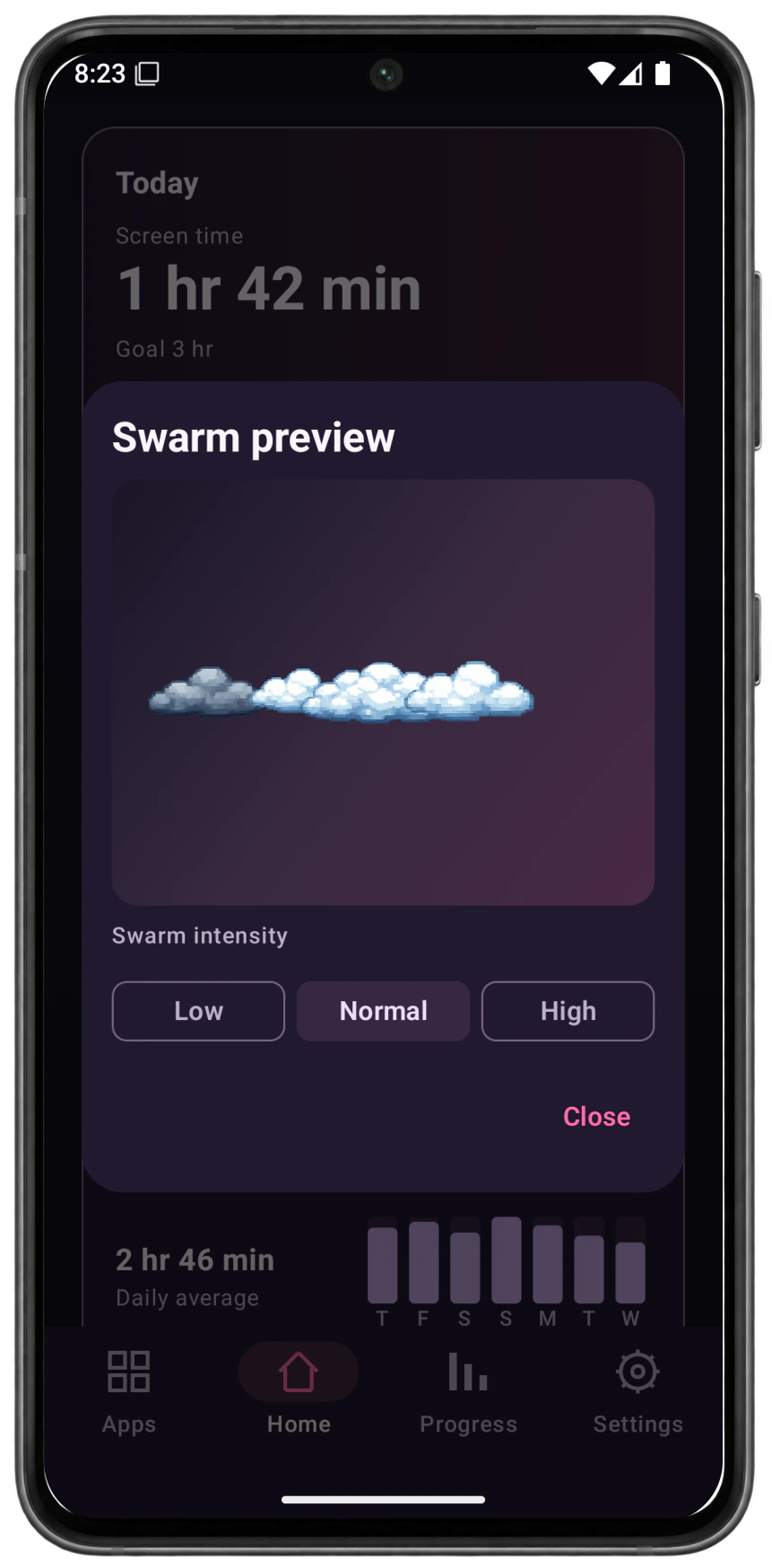
With a two-hour goal and a 75% threshold, the reminder appears after 1 hour 30 minutes of unlocked screen time. You can adjust both the threshold and the intensity.
Show the reminder only in selected apps or hide it in selected apps. Your daily goal still counts total unlocked screen time.
Hide the reminder for a moment or pause tracking until tomorrow.
No. It adds progressive visual reminders. You can temporarily hide the overlay, pause tracking or disable Stop Swarm. Some protected Android screens may restrict input while any overlay is visible; hide the overlay when needed.
Usage Access measures unlocked screen time. Display over other apps shows the visual reminders. Notification permission supports the visible tracking service. Stop Swarm does not use an Accessibility service or read screen content.
Yes. Screen-time calculation, settings and aggregate history stay on your device. No account, ads or analytics are required.
The Android app supports Android 10 and later. Separate browser extensions are available for desktop Chrome and Firefox. There is no iPhone app.